
Audio Comprehension
The character understands what the audio says and acts on it. If the audio mentions taking a blue pill, the character can show the pill. The meaning of the audio, not only its sound, drives the performance.
Upload one image and an audio track, add a prompt if you want, and this lip sync video generator returns a 720p avatar video up to 5 minutes long. Start with 20 free credits.
One image, your audio, and the performance you have in mind.
Keep original composition, character positions, outdoor café scene, table layout…
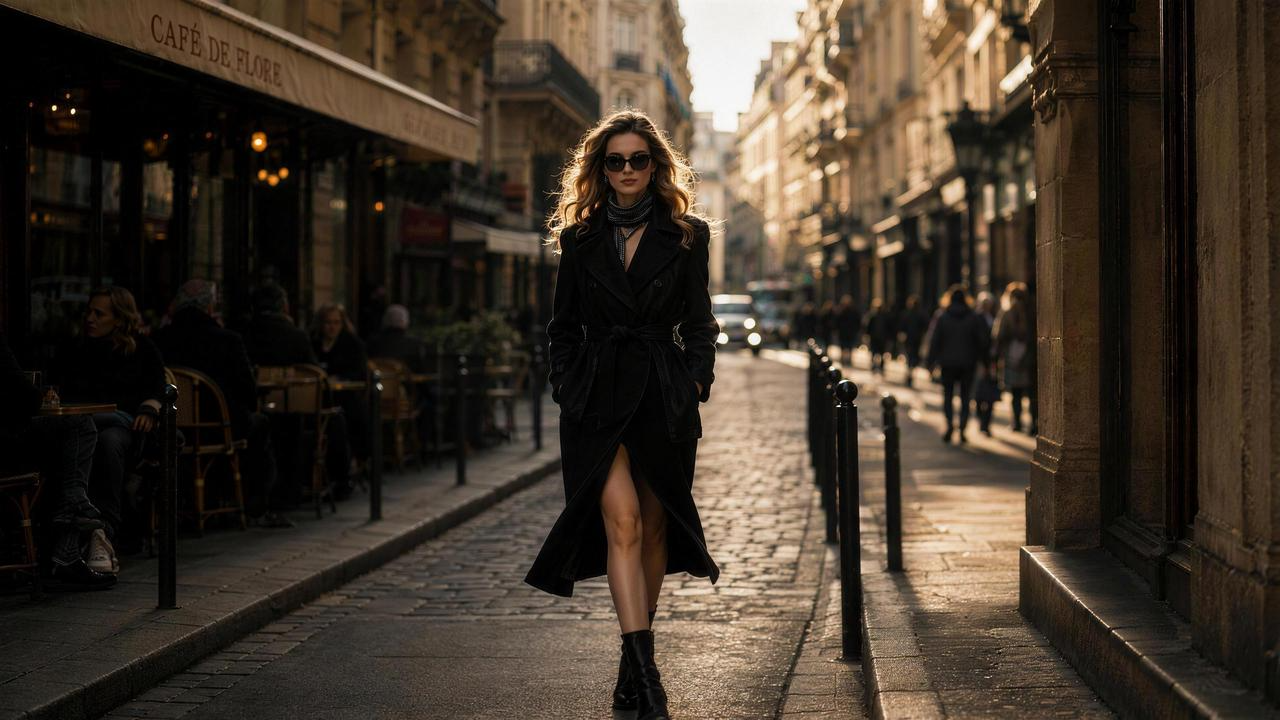
Input audio
An audio-driven digital human model from ByteDance that turns one image and one audio track into a speaking, singing or acting video.
OmniHuman 2.0 is an audio-driven digital human generation model from ByteDance, offered through BytePlus. Provide one image, one audio track and an optional prompt to generate a 720p digital human video up to 5 minutes long.
Compared with OmniHuman 1.5, it extends the maximum length per generation from 30 to 300 seconds and, BytePlus says, improves long-duration character consistency, motion expressiveness and visual quality. It also understands what the audio says, so the character can act on it.
Most general-purpose video models start from text or visuals and use audio only as a reference. OmniHuman 2.0 works the other way round: the audio shapes the performance, including lip movements, intonation and emotion.
That makes it an AI avatar video generator and AI lip sync video generator for full-length music videos, marketing presentations, educational explainers, virtual IP, motion comics and product introductions. Some people search for it as OmniHuman V2 or OmniHuman 2.0 AI.
Six things this audio-driven model does that a plain lip-sync tool does not.
The character understands what the audio says and acts on it. If the audio mentions taking a blue pill, the character can show the pill. The meaning of the audio, not only its sound, drives the performance.
Direct the scene like a video model. Chain several actions, such as walking forward, talking with hands on hips, then turning to watch an explosion. Prompts also control the camera and background.
OmniHuman 2.0 recognizes the emotion in your audio and lines and performs it, with the strongest results in dialogue scenes. OmniHuman lip sync follows the original audio: lip movements, intonation and emotion.
One generation can reach 300 seconds, enough for a full song, a course segment or a podcast clip, with less stitching. BytePlus says 2.0 improves long-duration character consistency compared with 1.5.
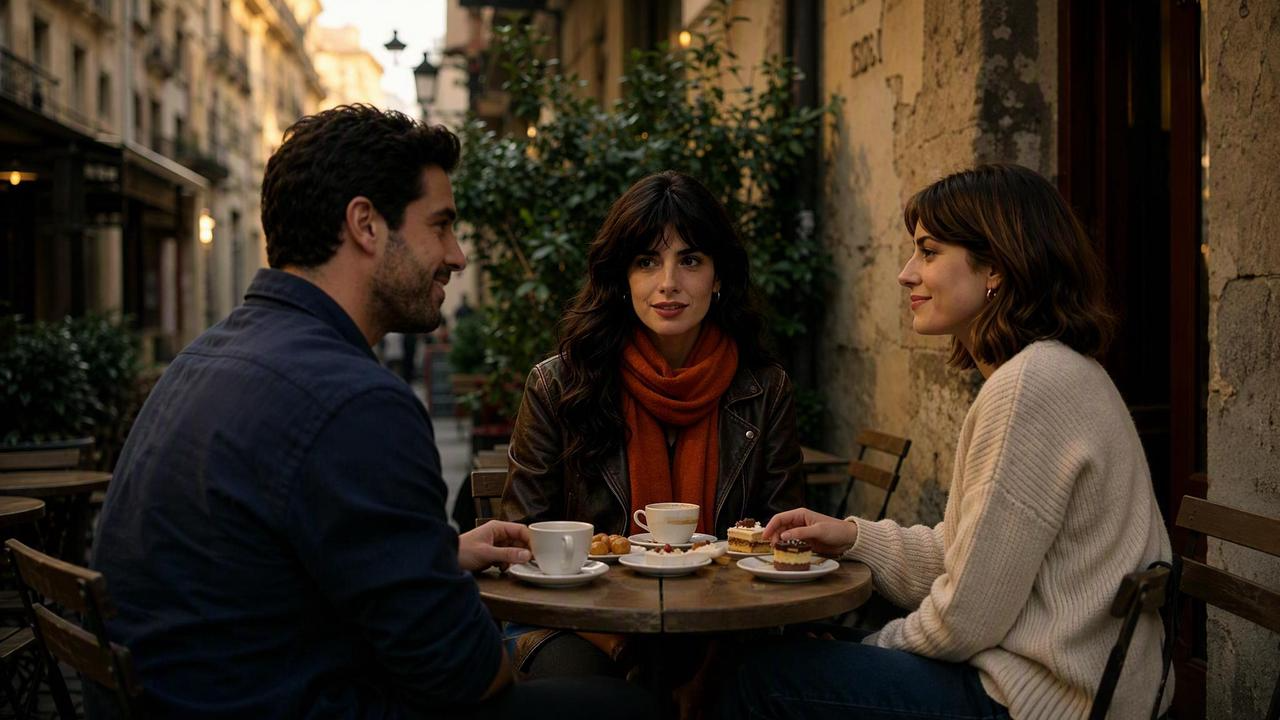
Choose which person in the frame speaks. The other characters keep natural movements instead of standing still, so a conversation or group shot works from one image.
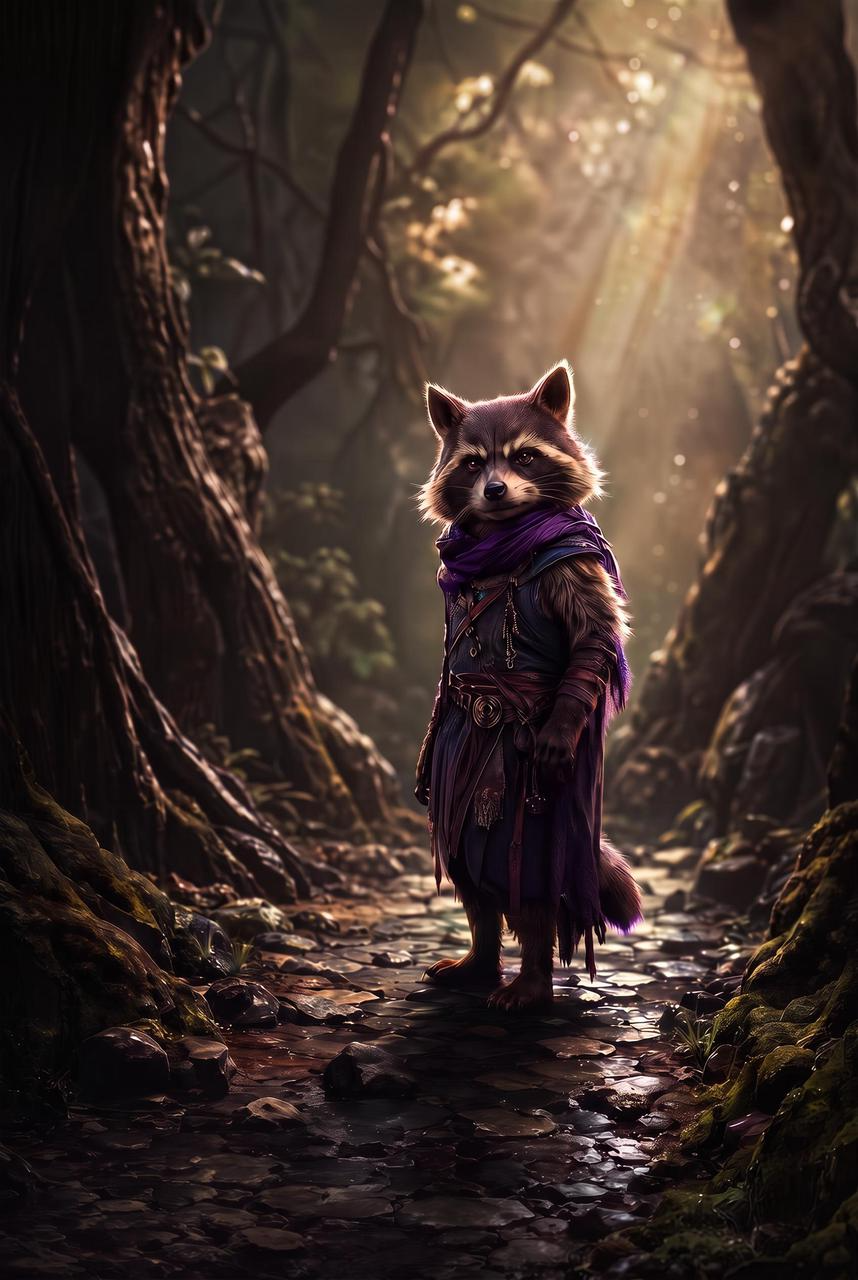
Your OmniHuman 2.0 avatar can be a cat, a dog, a pixel-style chick or an anime character, so the OmniHuman AI avatar is not limited to photos of people.
Explore four creative directions for OmniHuman 2.0, from film and music to imaginative personal content.
Create character dialogue for short dramas, creative advertising, documentary narration and brand stories with expressive acting and varied camera work.
Combine a realistic selfie-video style with imaginative scenes, from time-travel interviews to animal-led vlogs and fictional documentaries.
Turn music into performances with rhythm-driven actions, emotional expression and dynamic camera movement for music videos and musical scenes.
Make personal creative videos with cartoon characters, pets, pixel art and virtual avatars. Use prompts to add actions and enrich the scene.
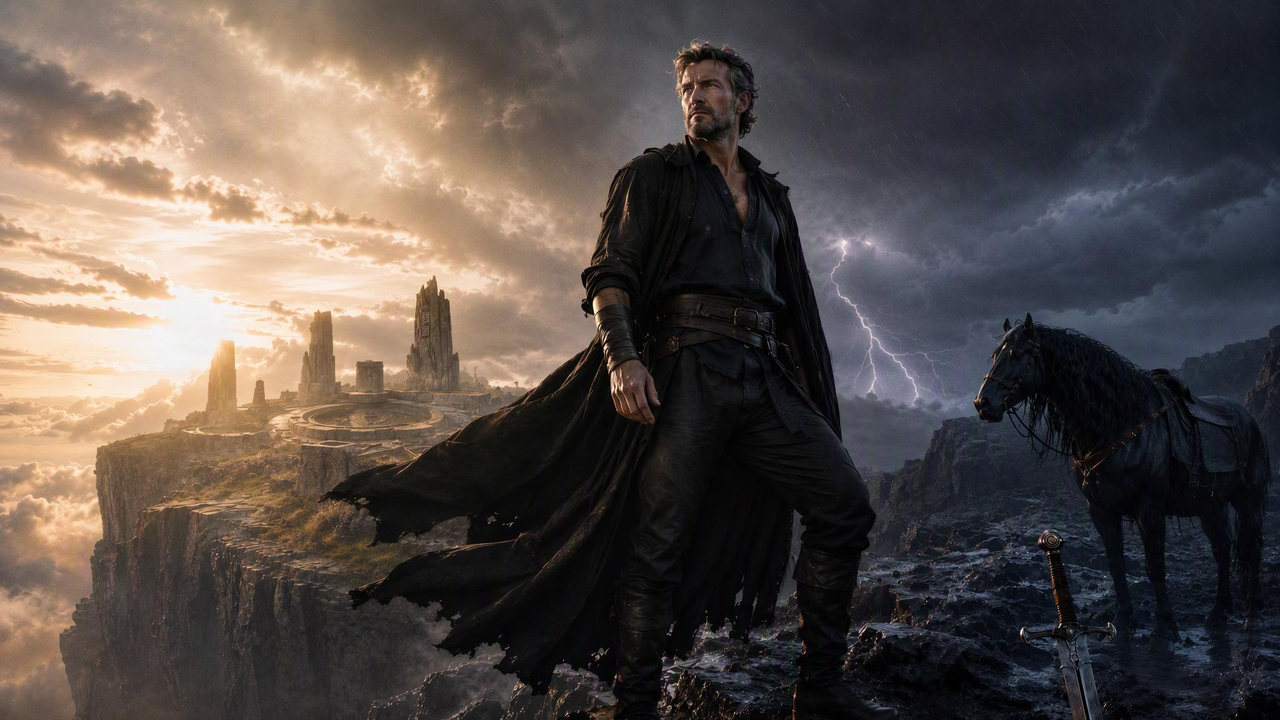
Explore OmniHuman 2.0 video examples across live-action scenes, fantasy characters, music and more. Open each example to see its input image, audio and original prompt.
Inputs
Input audio
Output video
Inputs
Input audio
Output video
Inputs
Input audio
Output video
Inputs
Input audio
Output video
Inputs
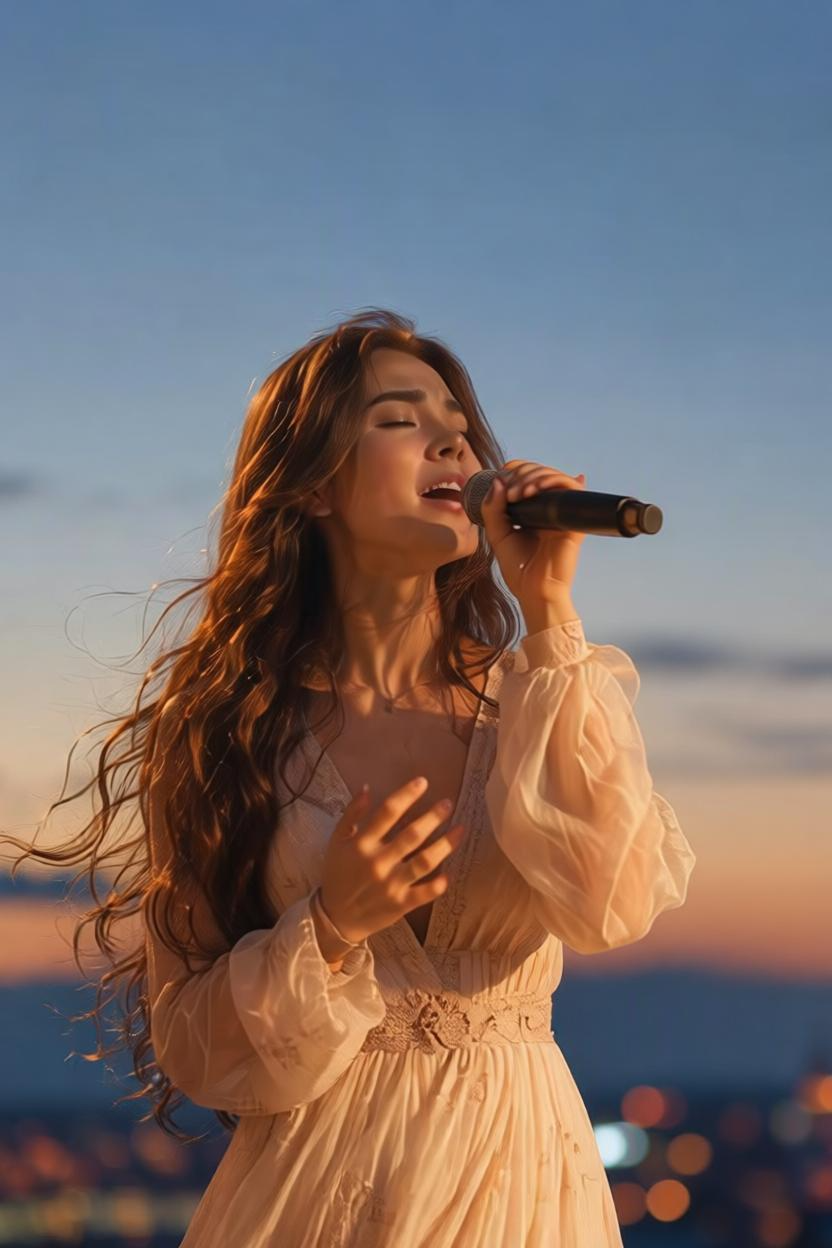
Input audio
Output video
Inputs

Input audio
Output video
Inputs
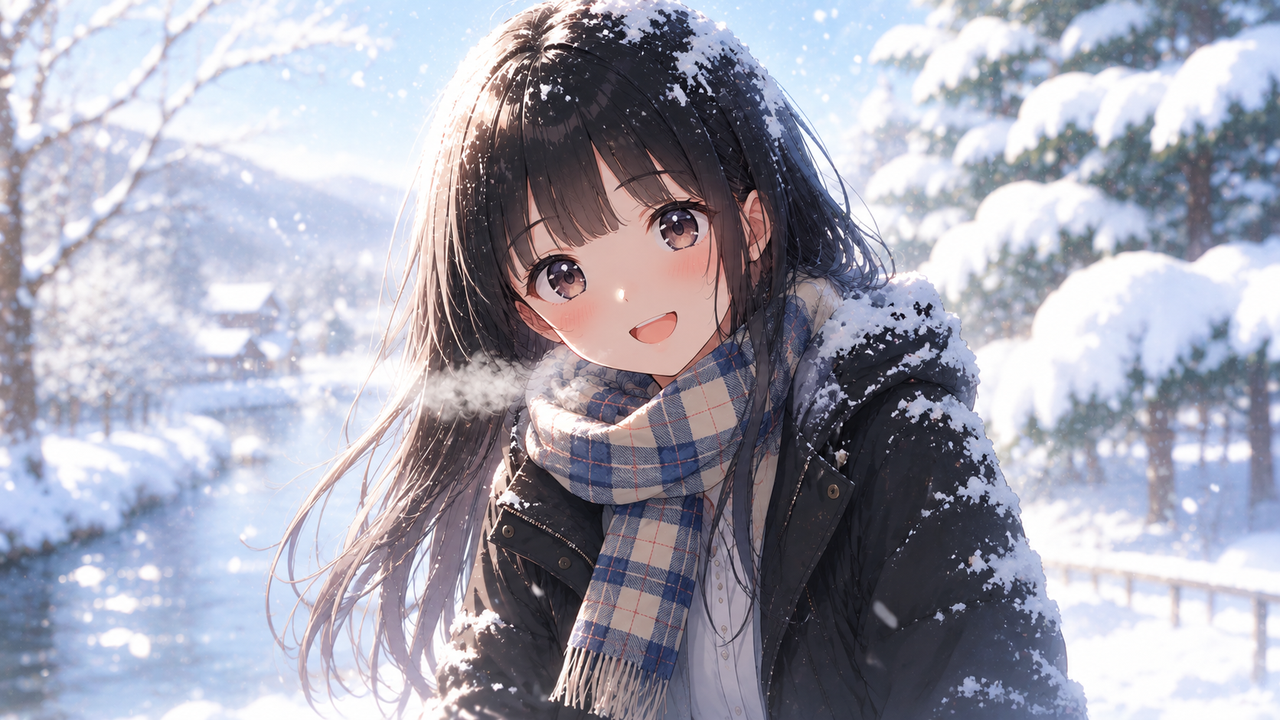
Input audio
Output video
Inputs
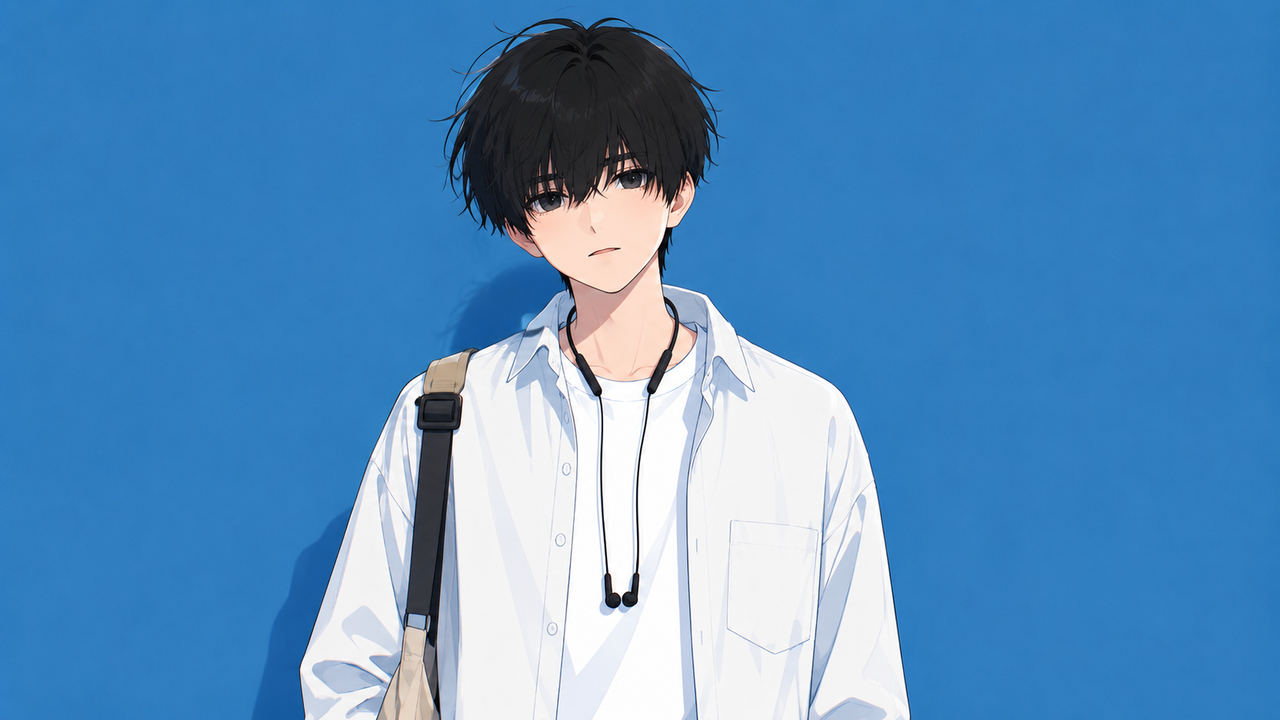
Input audio
Output video
Inputs

Input audio
Output video
Inputs
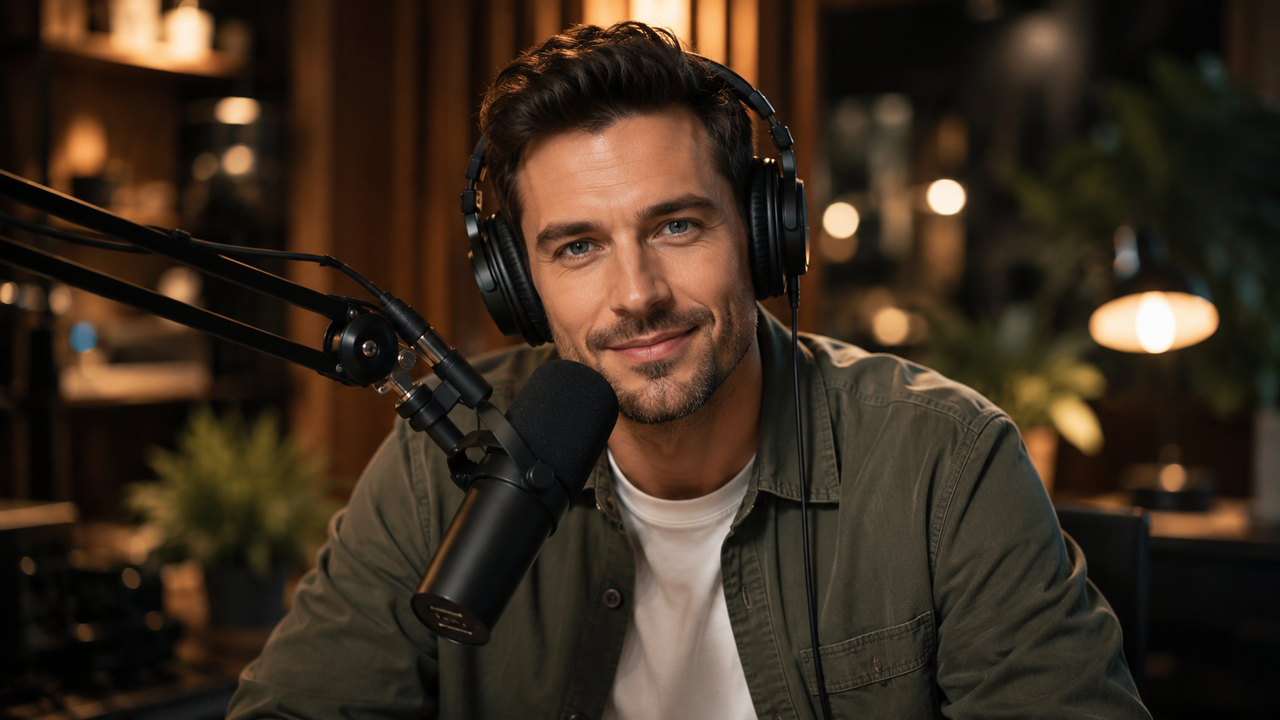
Input audio
Output video
OmniHuman 2.0 puts a talking or singing character on screen without a camera crew.
Make presentations and product introductions with a consistent presenter. Change the audio and the prompt for each product or ad variant, keep the same face, and test a new version the same day.
Shoot character dialogue, documentary narration and brand stories with prompts that control action and camera. Short-video creators can post pets, cartoons and virtual avatars without filming themselves.
Upload a full song and one image of the artist or a character. OmniHuman 2.0 matches rhythm and emotion, and prompts add camera moves for a stronger music-video feel.
Turn a course segment, explainer or podcast episode into a video with a presenter. One generation reaches 5 minutes, so long audio needs less stitching.
A quick look at the two latest OmniHuman versions, using only what each source publishes.
| OmniHuman 1.5 | OmniHuman 2.0 | |
|---|---|---|
| Input | One image and audio | One image, audio, optional prompt |
| Max length per generation | 30 seconds | 300 seconds |
| Resolution | Not published | 720p |
| Prompt, camera and character movement | Limited, per BytePlus | Prompts control actions, camera and background |
| Other changes BytePlus lists | — | Long-duration character consistency, motion expressiveness, visual quality |
| Technical write-up | Research paper (arXiv 2508.19209) | Not published separately; BytePlus links to the 1.5 paper |
| Where to run it | BytePlus, fal.ai, Replicate, ElevenLabs, Kie.ai | BytePlus API, and this site |
OmniHuman 2.0 raises the maximum length per generation from 30 to 300 seconds. According to BytePlus, it also improves long-duration character consistency, motion expressiveness and visual quality, and adds prompt control over action, camera and background.
OmniHuman 1.5 is ahead on openness: it has a public research paper, and more providers offer it. We have not run a head-to-head test, and no public benchmark compares the two.
Pick OmniHuman 2.0 for long clips and prompt control. Pick 1.5 for its published method or a provider you already use. Read the full OmniHuman 2.0 vs OmniHuman 1.5 comparison.
Three steps from one image and one audio file to a downloadable OmniHuman 2.0 video.
You pay in credits: 2 credits for each second of 720p video, and 20 free credits to start.
A fresh credit balance each month for ongoing video creation.
Credit pack
Start with short clips and explore your ideas.
100 credits
About 5 short videos
About 50 seconds: 5 × 10-second or 1 × 30-second clips
Based on 10-second clips at 720p. Longer videos use more credits.
Credit pack
More room for regular content and creative experiments.
260 credits
About 13 short videos
About 130 seconds: 13 × 10-second or 4 × 30-second clips
Based on 10-second clips at 720p. Longer videos use more credits.
Credit pack
A larger credit balance for more video production.
800 credits
About 40 short videos
About 400 seconds: 40 × 10-second or 13 × 30-second clips
Based on 10-second clips at 720p. Longer videos use more credits.
Monthly plan
Start with short clips and explore your ideas.
170 credits
About 8 short videos
About 85 seconds: 8 × 10-second or 2 × 30-second clips
Based on 10-second clips at 720p. Longer videos use more credits.
Monthly plan
More room for regular content and creative experiments.
500 credits
About 25 short videos
About 250 seconds: 25 × 10-second or 8 × 30-second clips
Based on 10-second clips at 720p. Longer videos use more credits.
Monthly plan
A larger credit balance for more video production.
2,500 credits
About 125 short videos
About 1,250 seconds: 125 × 10-second or 41 × 30-second clips
Based on 10-second clips at 720p. Longer videos use more credits.
A 10-second OmniHuman 2.0 clip costs 20 credits, so the 20 free credits cover one 10-second video. A 60-second OmniHuman 2.0 clip costs 120 credits. The shortest audio you can use is 4 seconds, which costs 8 credits. Check the estimate on the generator before you press Generate. See the full OmniHuman 2.0 pricing page.
The most common questions about the OmniHuman 2.0 model, answered.
OmniHuman 2.0 is an audio-driven digital human generation model from ByteDance. Give it one image, one audio track and an optional prompt, and it generates a 720p video up to 5 minutes long.
The character's lip movements, intonation and emotions follow the audio, and the model can act on what the audio says. Compared with OmniHuman 1.5, it extends the maximum length from 30 to 300 seconds and, BytePlus says, improves long-duration character consistency, motion expressiveness and visual quality.
It suits full-length music videos, marketing presentations, educational explainers, audio-content visualization, virtual IP, motion comics and product introductions. This site is an independent tool built on the model.
Up to 5 minutes. Audio can run from 4 to 300 seconds, and OmniHuman 2.0 generates up to 300 seconds in a single run, so full songs and course segments need less stitching. Output is 720p.
OmniHuman 1.5 was limited to 30 seconds per generation. Longer runs matter most for character consistency, which BytePlus says improved in 2.0. Test with a short clip first, then run the full length once the result looks right.
OmniHuman 2.0 takes one image and one audio file. Images can be JPEG, PNG or WebP, up to 30 MB, from 300 to 6000 pixels, with a width-to-height ratio from 0.4 to 2.5.
Audio must be WAV, MP3 or M4A, 4 to 300 seconds long and under 15 MB. Songs, speeches, dialogue and narration all work. Use a clear image where the subject is easy to see.
Yes. OmniHuman 2.0 reads the meaning of the audio and can act on it. If the audio mentions an object, the character can show that object.
Emotion follows the audio too, with the strongest results in dialogue scenes. Add a prompt for more control over actions, camera and background.
Yes. Upload a song as the audio and OmniHuman 2.0 performs it, with rhythm-driven actions, emotion matching and natural pauses across music genres.
Add a prompt such as a slow camera zoom if you want the shot to move. Songs let the character use more camera moves and body movement, which gives the video a stronger music-video feel.
Yes. OmniHuman 2.0 supports multi-person scenes. You can specify which person in the frame speaks, and the other characters keep natural movements.
Use it for a short dialogue, an interview or a group shot from a single image. Keep every person clearly visible in the image.
Yes. OmniHuman 2.0 supports more styles and subjects than people alone, including cats, dogs, cartoon and anime characters, pixel-style chicks and penguins, and virtual avatars.
Add a prompt to supplement elements in the picture, such as an object or a setting, while the audio drives the performance.
OmniHuman 2.0 is audio-driven: the audio directly shapes the character's performance. General-purpose video models usually start from text or visuals and use audio only as a reference.
OmniHuman 2.0 generates up to 300 seconds in one run, while general-purpose models suit short clips better. They are the better choice for shot variation and scene generation; OmniHuman 2.0 is built for digital human performance, presentations, singing, music videos and education.
Upload one image and one audio clip to make your first OmniHuman 2.0 video.
Videos come out at 720p. Only upload images and audio you have the right to use, and do not use anyone's face or voice without their permission.